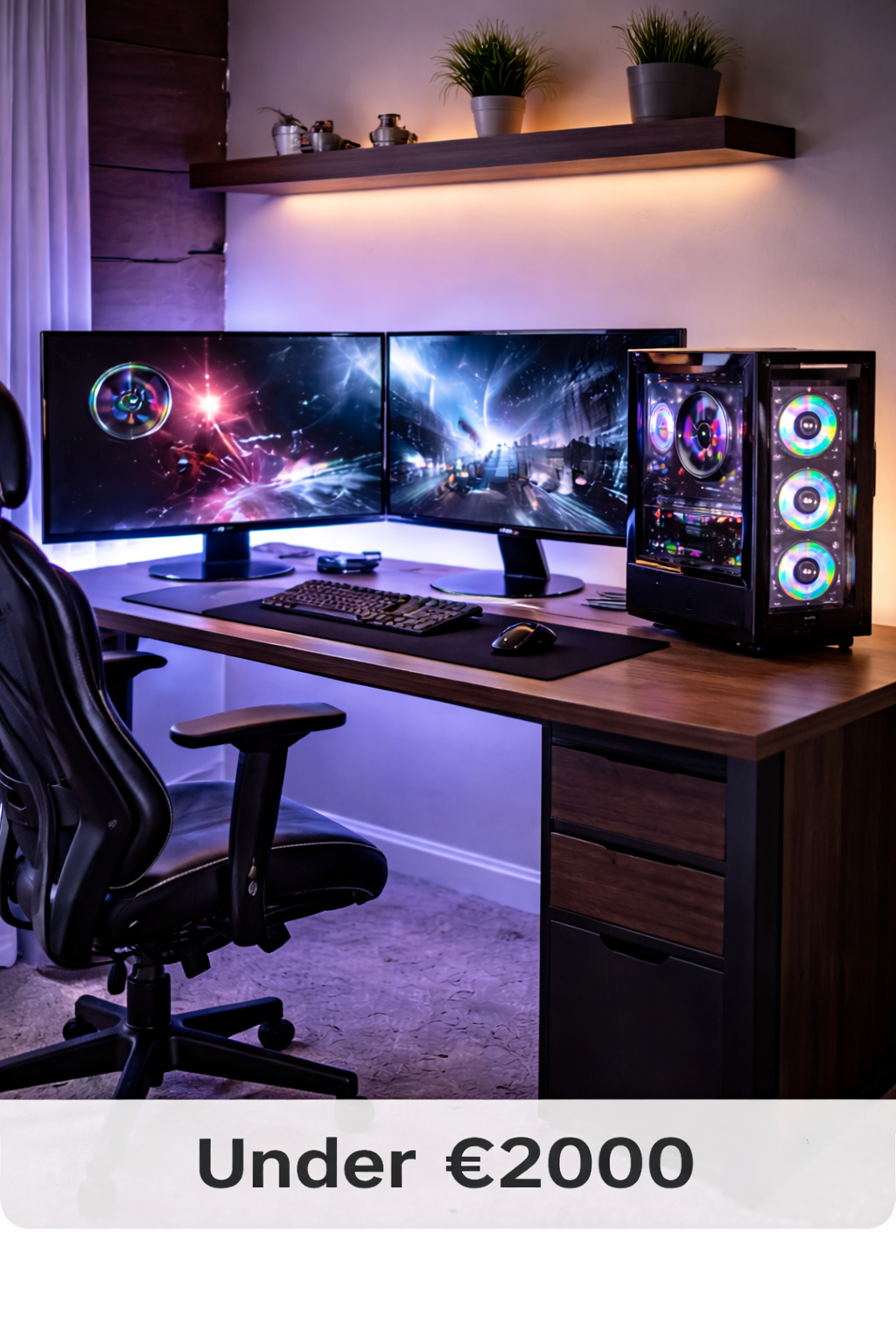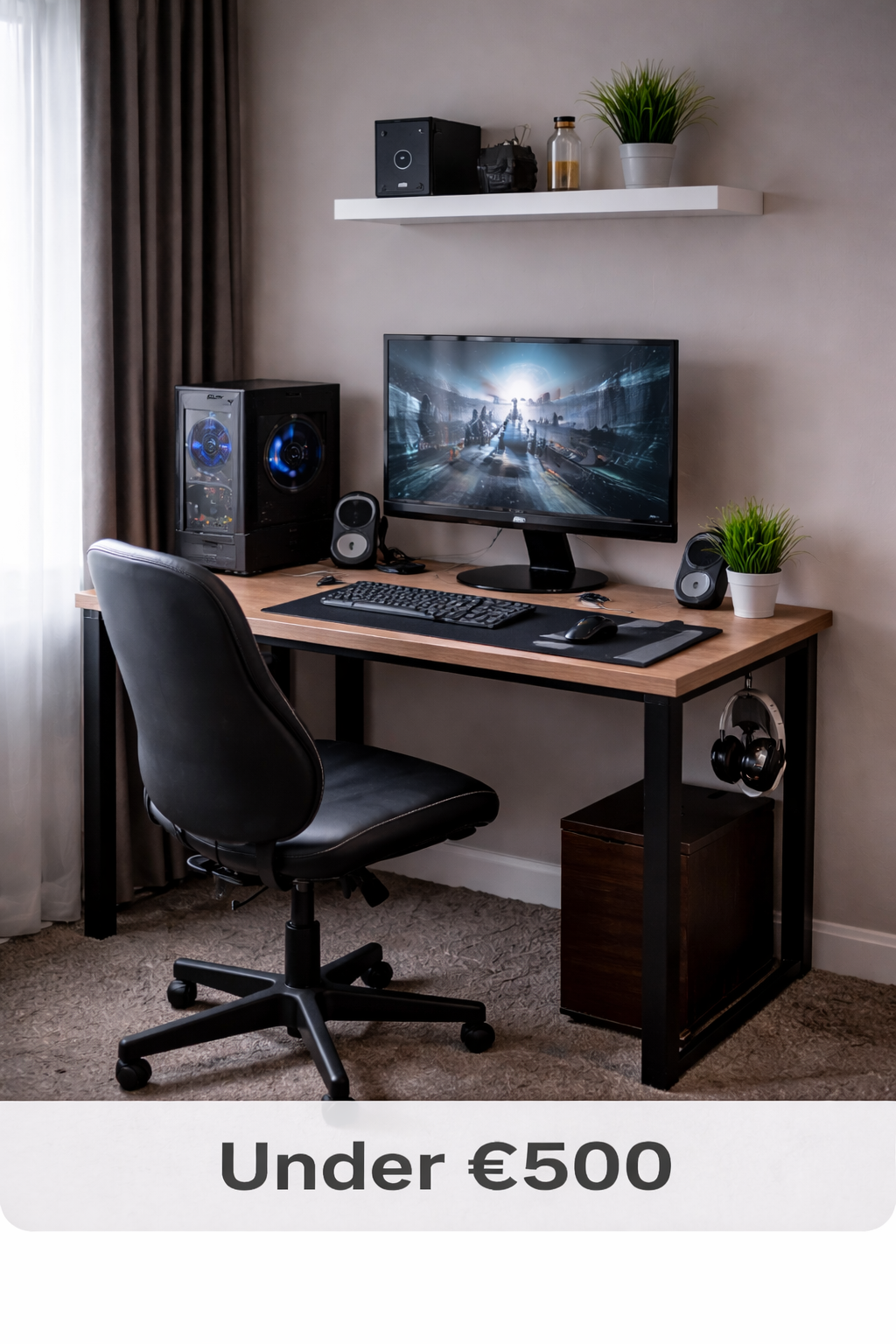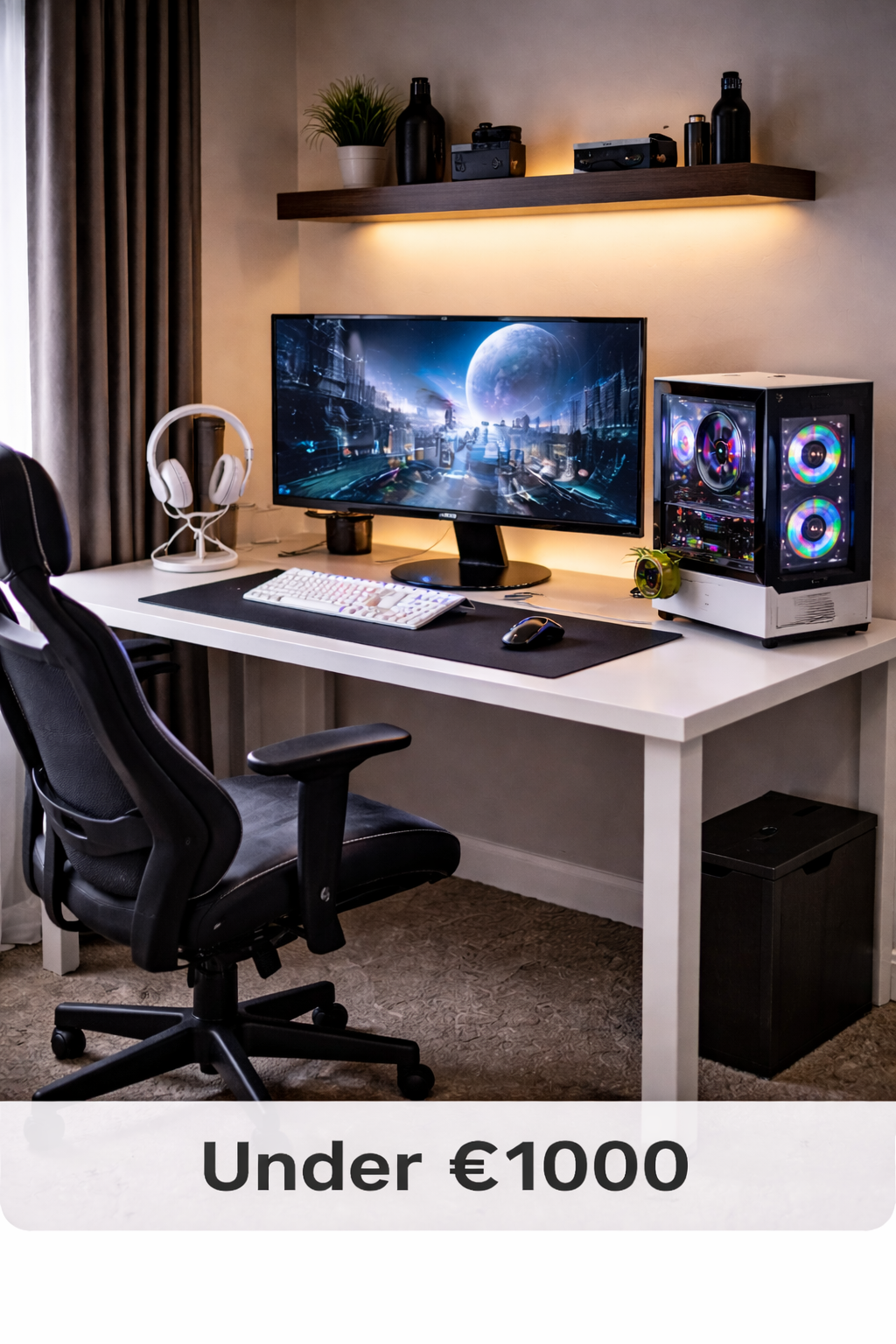
Best Gaming Setup Under $1000 (Balanced Performance Build 2026)
Building a gaming setup under $1000 allows for significantly better performance while still staying within a reasonable budget. At this price range, you can expect smoother gameplay, higher graphics settings, and a more responsive overall experience compared to entry-level builds.
This guide breaks down a complete balanced gaming setup, including a powerful gaming PC, high-refresh monitor, and reliable accessories — all selected to deliver strong 1080p performance with room for future upgrades.
If you’re ready to step beyond basic gaming performance, this configuration provides excellent value without overspending.
What You Can Expect From a $1000 Gaming Setup
At the $1000 level, performance becomes noticeably stronger. You can expect higher frame rates, better graphics settings in modern titles, and smoother multitasking. This budget allows for a dedicated mid-range graphics card, faster storage, and more responsive peripherals.
STGAubron Gaming PC – Ryzen 5 2600 + RTX 2060
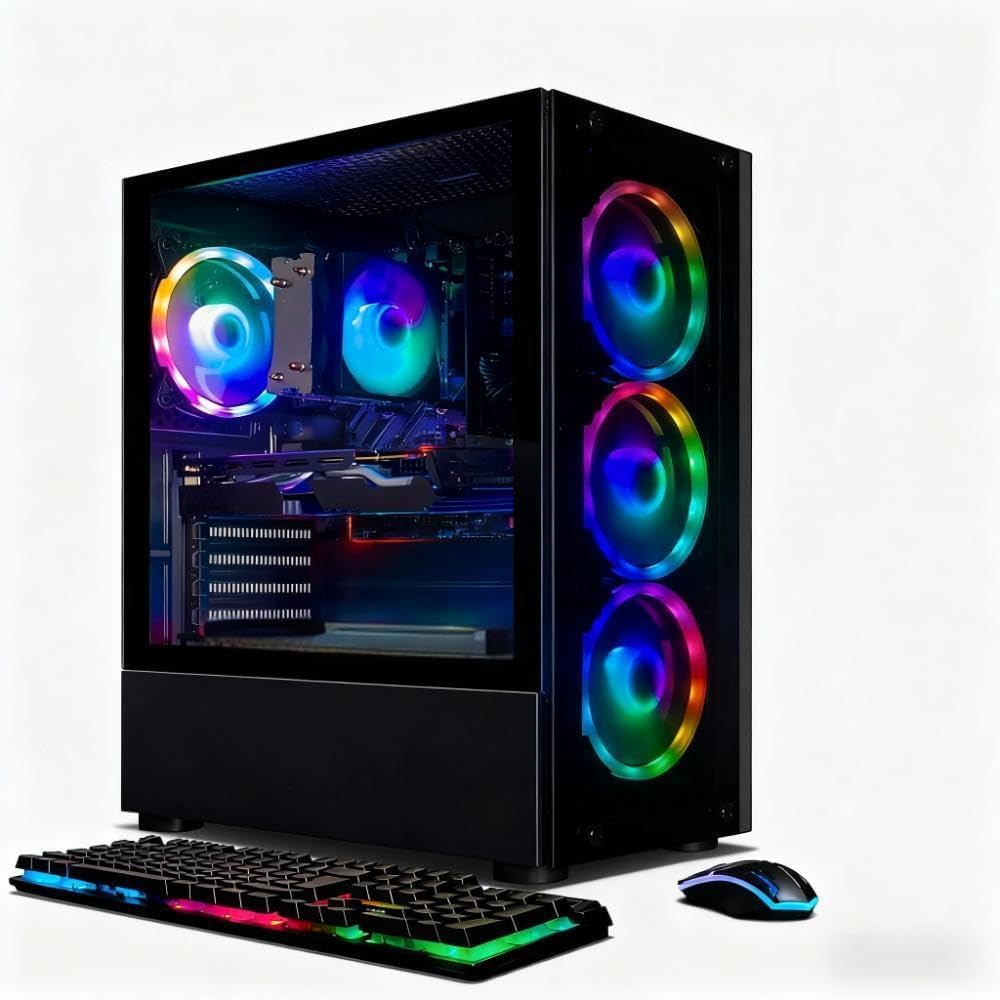
Why This PC Is Perfect for $1000?
- RTX 2060 handles 1080p ultra
- 16GB RAM (no upgrade needed)
- SSD included
- Good entry-level streaming CPU
- Prebuilt = beginner friendly
| Game | Settings | Average FPS |
|---|---|---|
| Warzone | High | 90–110 |
| Fortnite | Epic | 120–160 |
| Apex | High | 120+ |
| GTA V | Very High | 90+ |
Best Monitor for a $1000 Gaming Setup
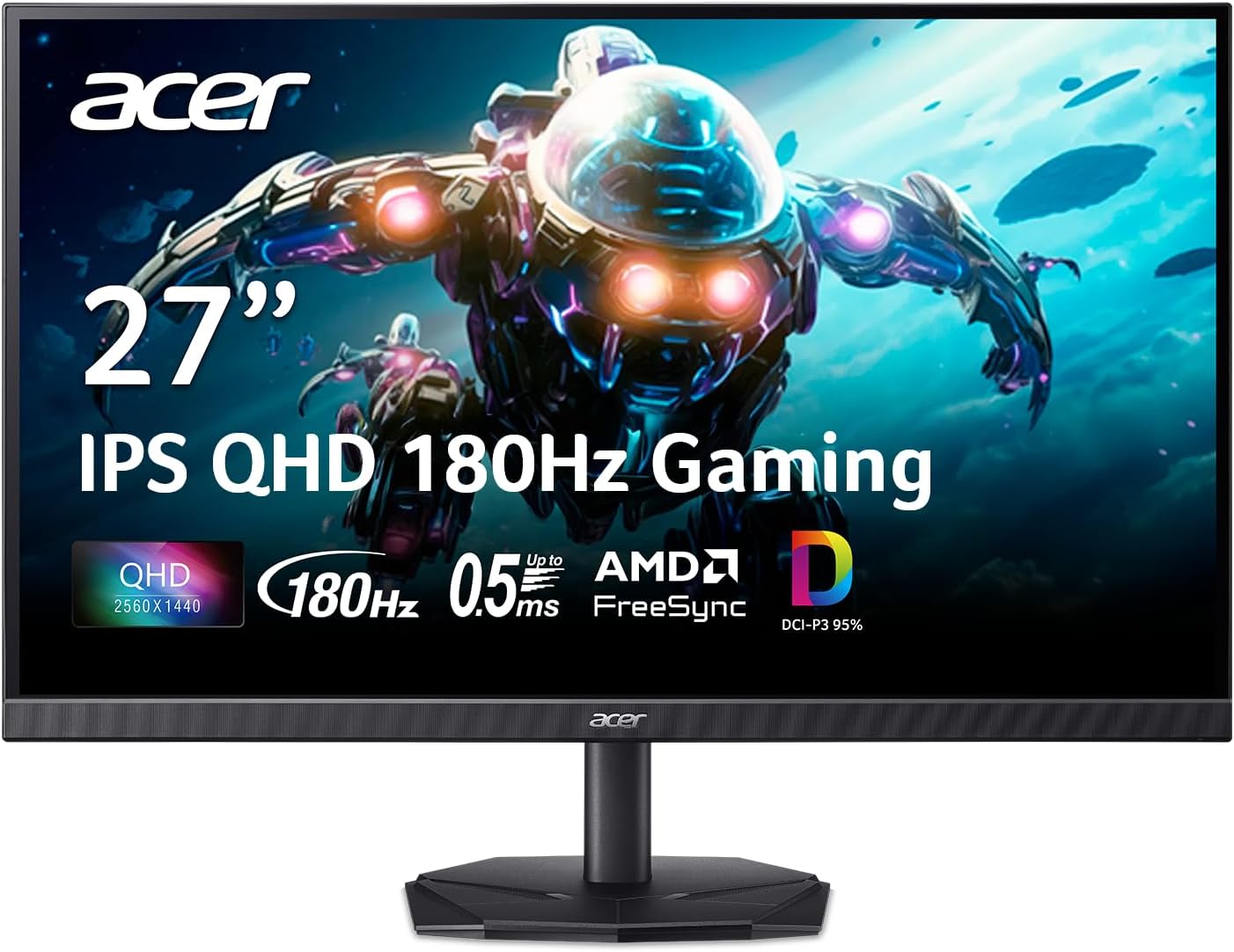
acer Nitro 27 Inch QHD 2560 x 1440 IPS Gaming Monitor
- 🖥️ 2560×1440 (QHD)
- ⚡ Up to 180Hz
- 🎨 IPS panel
- 🌈 95% DCI-P3 color
- 🎮 FreeSync AMD
- KG271U N3bmiipx
The RTX 2060 can handle 1440p, but some AAA games may require High/Medium settings for smooth performance.
1. Best 1080p Competitive Monitor
Acer Nitro 27″ 144Hz IPS — This monitor pairs perfectly with your RTX 2060 gaming PC for high-FPS 1080p gaming. It delivers smooth gameplay and accurate colors without overspending. Great for shooters, esports, and general gaming.
2. Best 1440p Future-Proof Monitor
Acer Nitro 27″ QHD 180Hz IPS — A step up into sharper detail and richer visuals. While the RTX 2060 won’t hit max refresh in all AAA games at QHD, this monitor still delivers a noticeably crisper picture and excellent overall experience.
Best Value Mechanical Gaming Keyboard
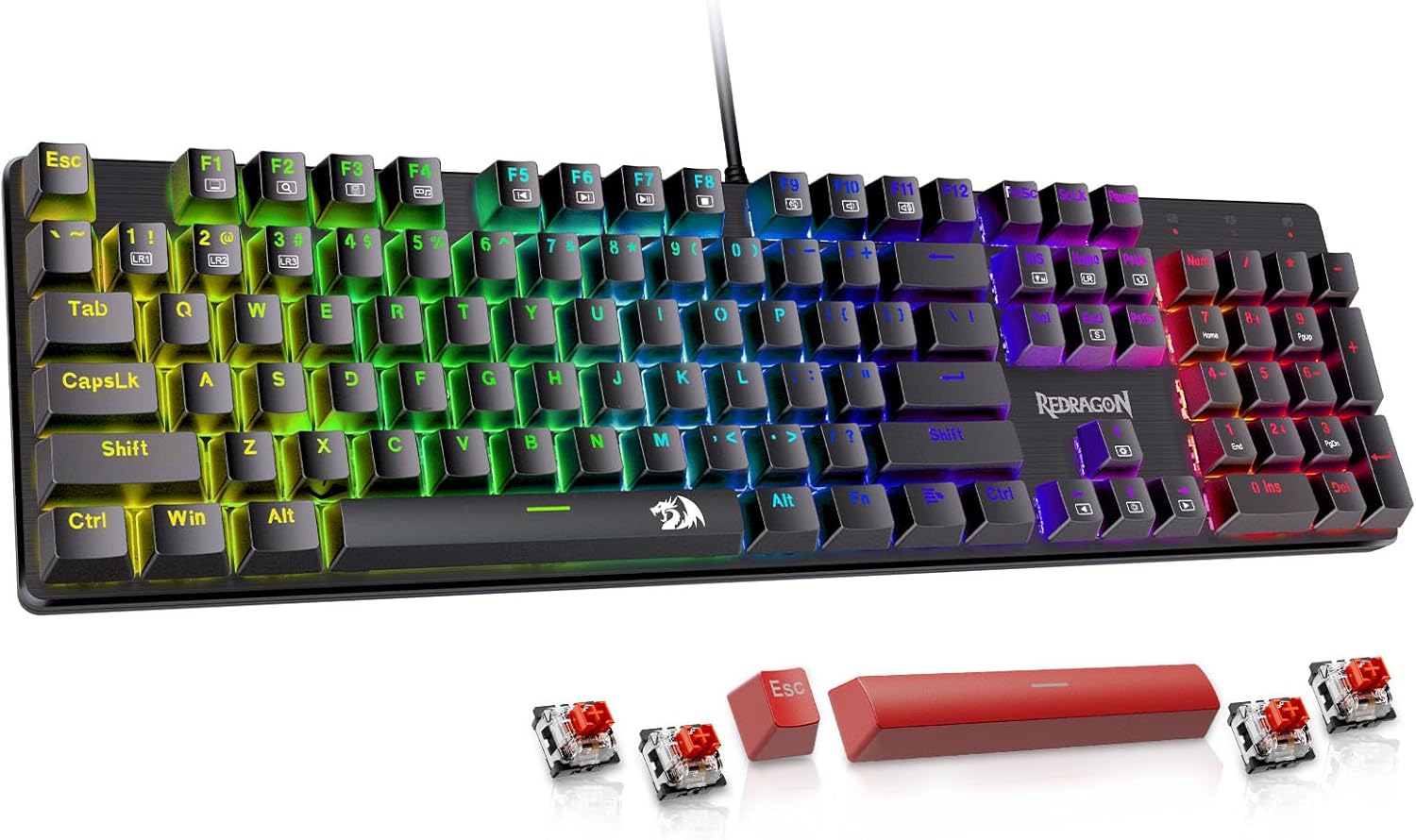
Redragon Mechanical Gaming Keyboard
- Wired mechanical keyboard
- Hot-swappable red switches
- 11 programmable backlit modes
- Anti-ghosting keys
- Double-shot PBT keycaps
- RGB lighting — gamer aesthetic
Redragon Mechanical Gaming Keyboard — A solid choice for gamers looking for mechanical feel, hot-swappable red switches, and RGB backlighting without overspending. Anti-ghosting ensures reliable performance in shooters and multiplayer games, while durable PBT keycaps improve long-term feel.
Best Gaming Mouse for This $1000 Setup
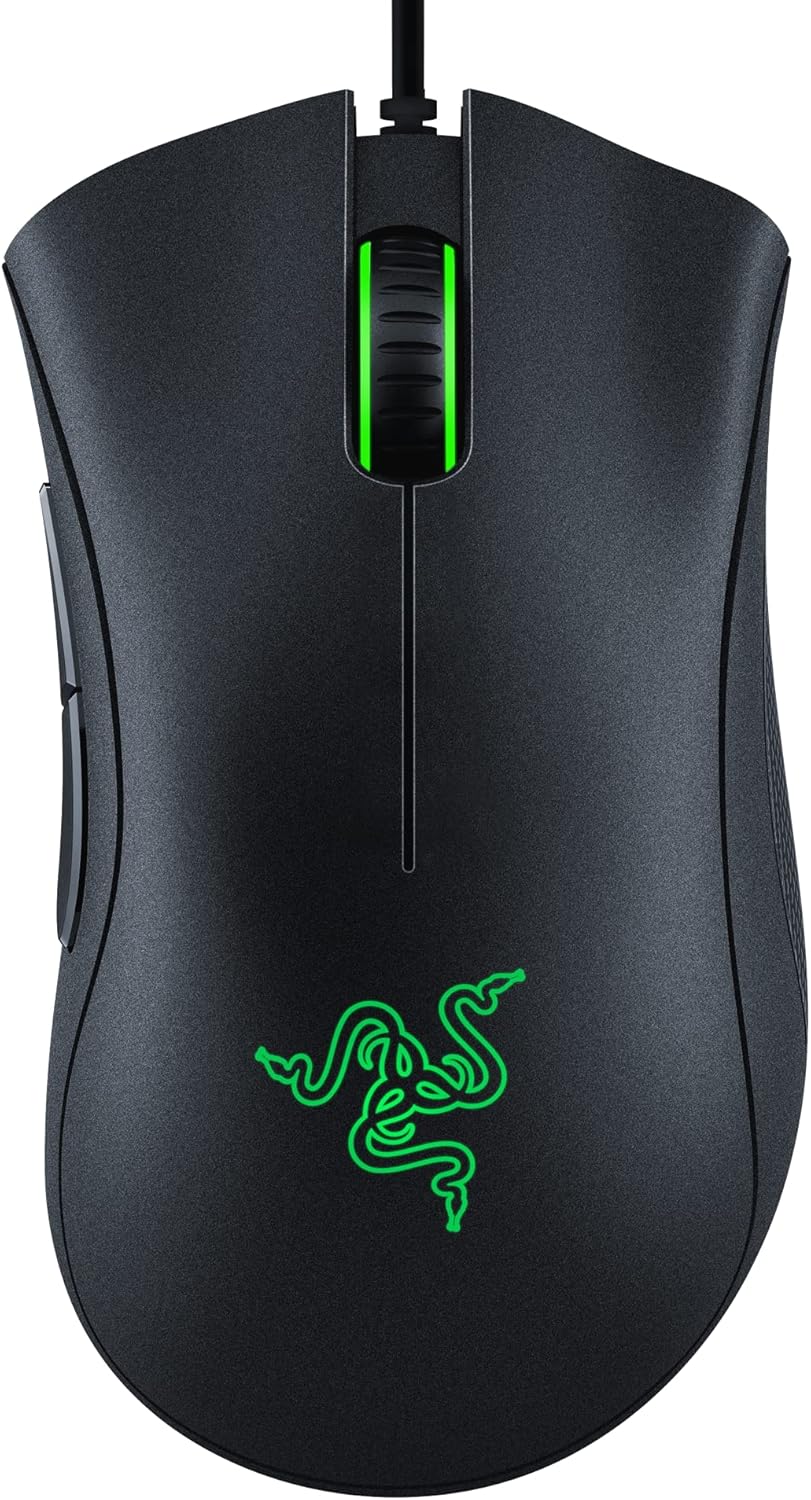
A high-refresh-rate monitor only matters if your mouse can keep up. The Razer DeathAdder Essential delivers smooth tracking, reliable clicks, and a comfortable ergonomic shape — perfect for competitive 1080p gaming.
- 6,400 DPI optical sensor
- Ergonomic right-handed design
- Durable mechanical switches
- Lightweight feel for fast flick shots
- Classic Razer gaming look
Ideal for shooters like Warzone, Apex, and Fortnite at 144Hz.
Best Gaming Headset for $1000 Setup
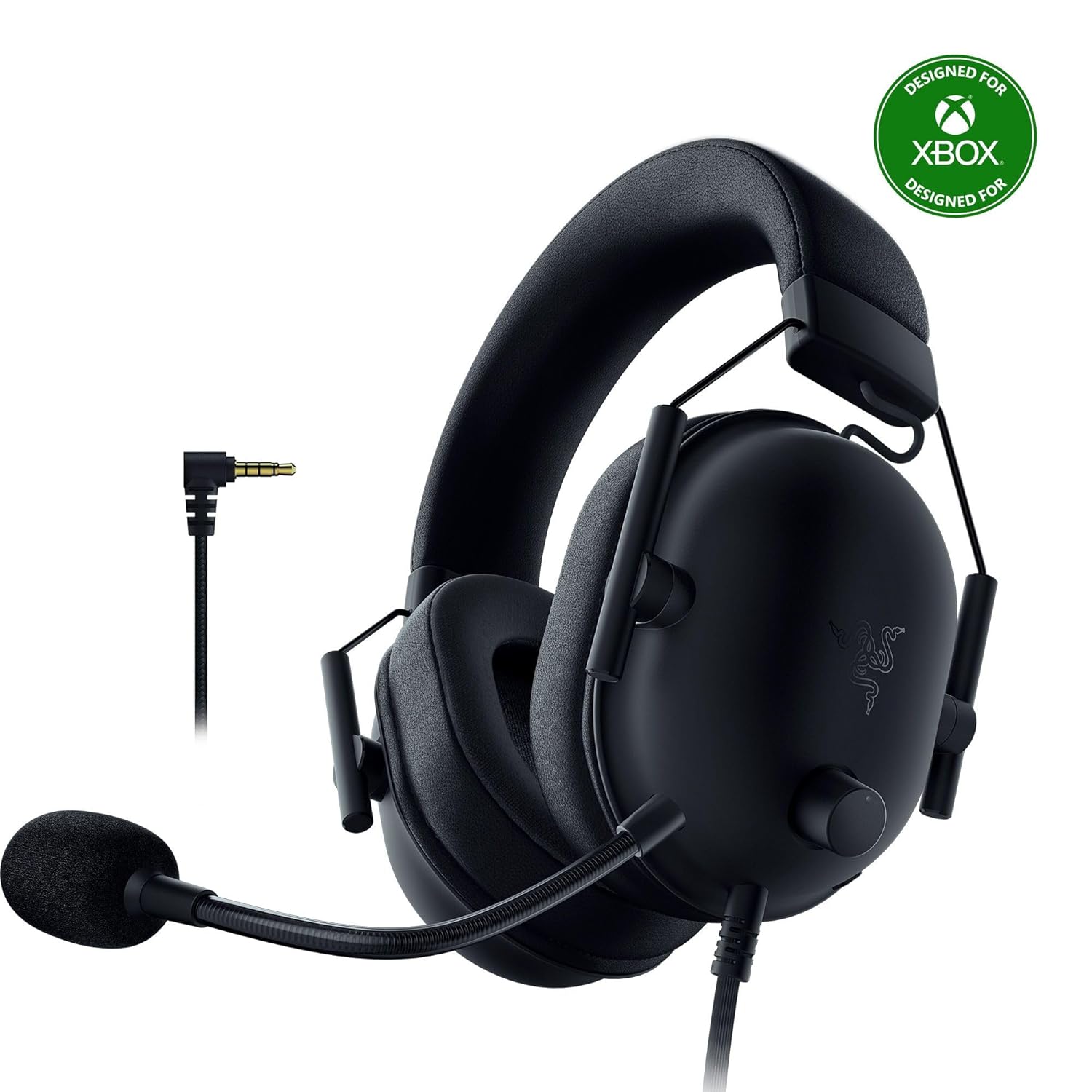
The Razer BlackShark V2 X gaming headset combines comfort, clear audio, and a reliable cardioid mic — ideal for competitive multiplayer gaming and long sessions at 1080p 144 Hz.
- 50 mm drivers for rich audio
- Cardioid microphone for clear team chat
- Lightweight, noise-isolating earcups
- Universal 3.5 mm compatibility (Xbox, PlayStation, Switch, PC)
- Great value for mid-range setups
Works perfectly with your Acer Nitro 144 Hz monitor and Razer DeathAdder Essential mouse for immersive, responsive gaming audio.
Looking for wireless options? See our premium headset picks in our $2000 setup guide.